Why build an office for agents?
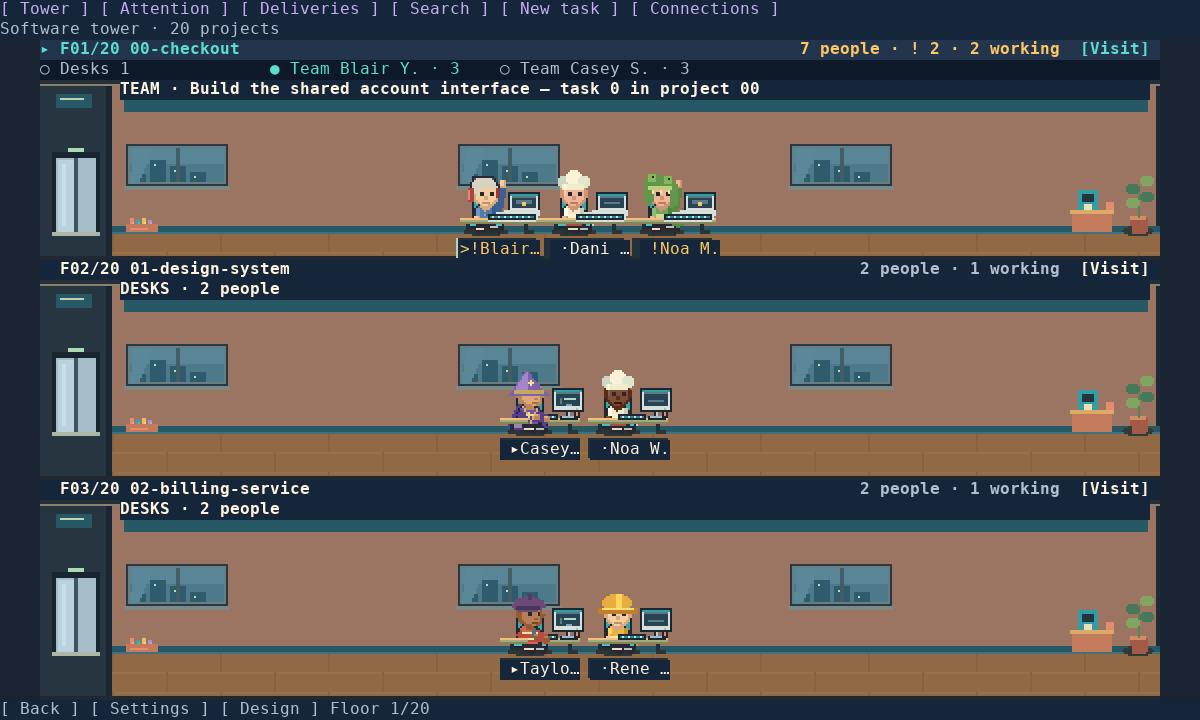
I wanted the work happening across coding threads to feel less scattered. An office is a familiar metaphor: each project has a floor, each conversation has a worker, and a team can gather around a table. It is useful, but it is also a chance to make a developer tool with some personality.
From the tower to the work
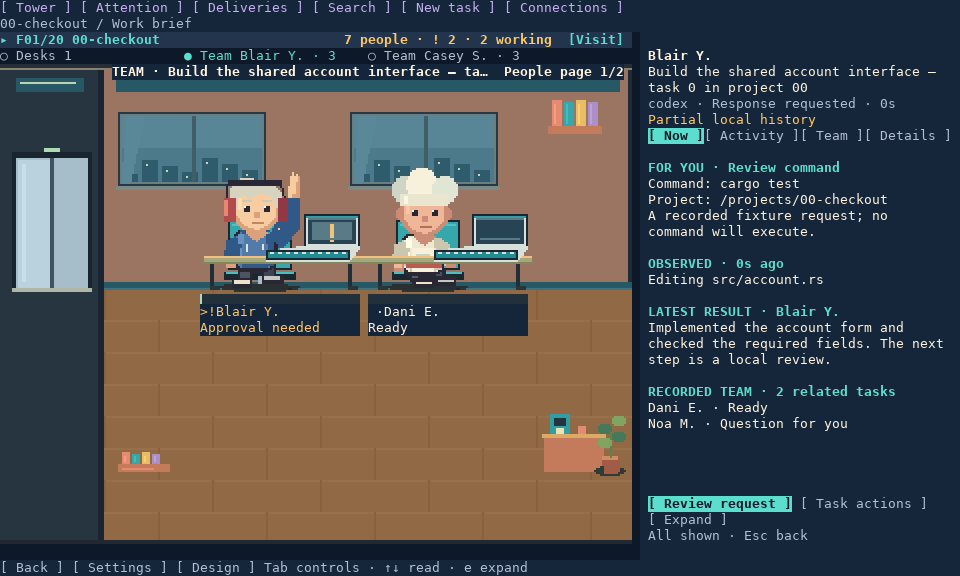
The tower brings projects and attention counts into one view. Enter a floor to inspect its workers, then open a work panel for the brief, activity, team, and details. Search and keyboard navigation offer a direct route when the office metaphor is not the fastest way to find something.
The inspector distinguishes recorded activity from requests that need a decision. Appearance choices, outfits, and small decorative actions belong to the visual layer: they do not send messages or change an agent's instructions.
The engineering underneath
- Rust and terminal rendering: pixel-art scenes alongside native text controls, with image-capable terminal paths and compatible text views.
- Local-first observation: selected conversation transcripts and databases feed the office. Collectors have a read-only input boundary; the fictional demo reads no conversation data.
- Explicit control boundaries: historical records do not grant control over a running process. Managed task actions use the provider's connection, permissions, and authentication.
- Inspectable relationships: recorded delegation and session relationships are visible without pretending every conversation is part of a team.
- Accessible interaction: keyboard navigation, explicit status wording, and reduced-motion settings keep the experience useful beyond its artwork.
Playful surface, deliberate tradeoffs
A room can communicate presence and attention quickly, but a terminal still needs readable text and predictable controls. The detailed inspector complements the scene instead of making tiny characters carry every piece of information. Text-compatible views remain important because terminal graphics support varies.
There is also a distinction between seeing a request and answering it. Opening a worker or marking something reviewed must not silently approve provider actions. That boundary is part of the product design, not just its implementation.
What is available today
The source repository is public. The visuals on this page are compositor exports of the development interface using synthetic fixtures, not captures of real conversations or a terminal emulator. The latest interface has not been published as a release, and the older published image does not contain this design. Terminal and platform acceptance checks remain part of the release work.
This project is where I explore the intersection of serious engineering and things that are simply enjoyable to build. No adoption, productivity, or performance results are claimed for this preview.